 Click Allow to get more information on apkbbs Services for free!




Google Chat
 4.1
4.1
About This APP


 Download Latest Version
Screenshots


Editor Reviews
Google Chat, a product of Google LLC, was released on February 28, 2018, as an application for seamless messaging and communication. Google Chat is a vital player in the modern corporate world, especially with its ability to support dynamic teams seeking to optimize their workflow. With features such as direct messaging and chat rooms, Google Chat offers diverse communication capabilities for teams and individuals. As part of the Google Workspace ecosystem, Google Chat integrates naturally with apps like Gmail, Google Calendar, Google Drive, and more, allowing users to transition between chats and other Google tools smoothly.
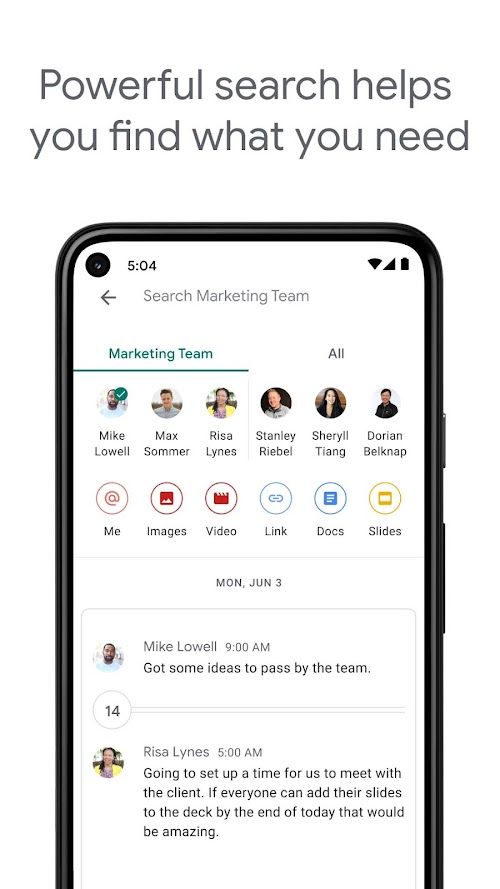
Google Chat provides an extensive set of features that satisfy not only casual users but also professionals seeking a dependable platform for team collaboration and communication. With its user-friendly interface and the ability to access it on multiple devices, Google Chat is an optimal choice for users of Google Workspace. The interface’s design is similar to other communication apps, making it familiar and easy to use. Users can search for and initiate conversations with others by entering their names or email addresses into the search bar.
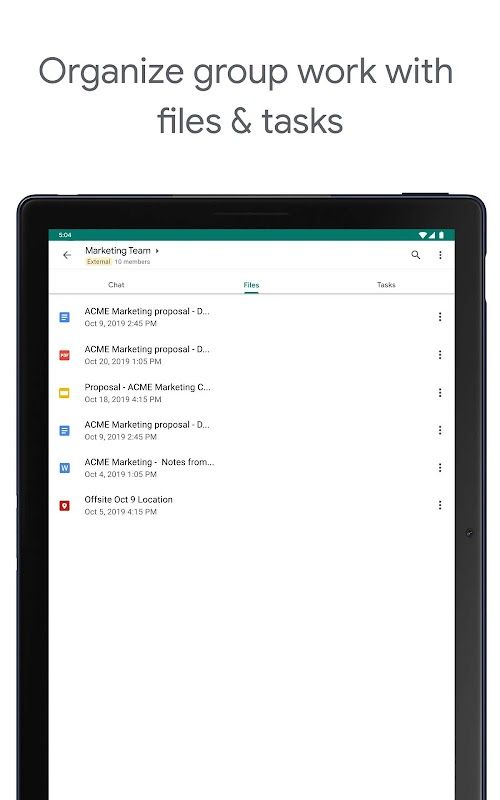
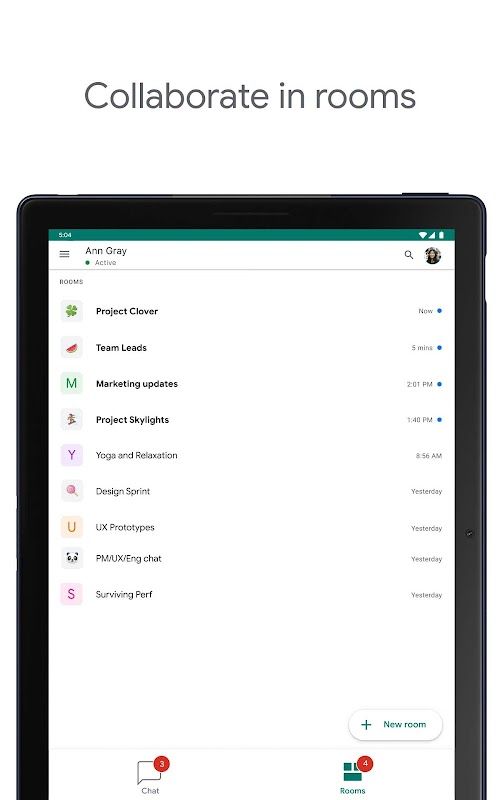
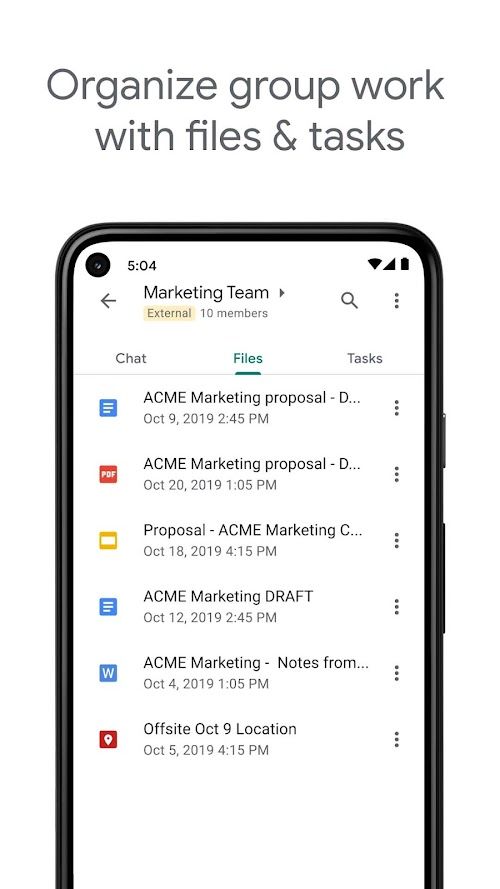
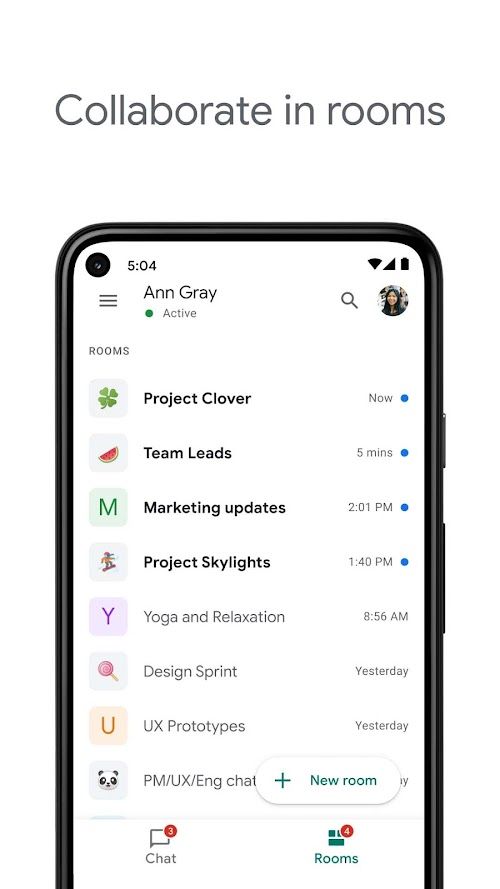
Google Chat also promotes productive conversations by letting users send messages in threads, which helps maintain a clear structure and organization of chats. Additionally, using chat rooms allows users to tailor their communications to specific teams or projects. Accessibility to an archive of previous messages, including any attached files or images, ensures users can reference important data at any point during their communication.
Interested in chatting on different platforms? Google Chat conveniently provides Android and iOS apps, allowing users to stay connected even while away from their computer. Moreover, Google’s commitment to security gives users peace of mind regarding the privacy of their information.
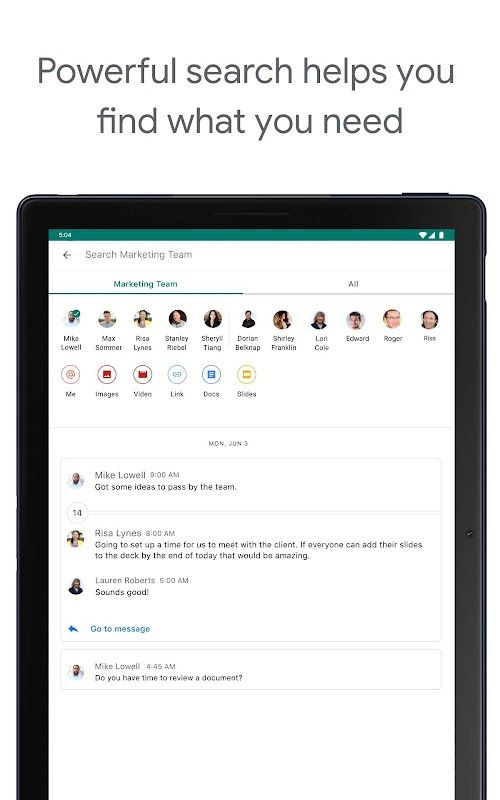
All in all, Google Chat serves as a robust communication and collaboration tool, empowering individuals and teams to work efficiently. Its threaded conversation feature, integration with Google Workspace, powerful search functionality, and file sharing capabilities contribute to an enhanced collaborative experience. While some limitations in customization options, the learning curve for new users, and accessibility may be observed, Google Chat’s strengths outweigh these weaknesses, making it a valuable tool for businesses and individuals looking to streamline communication and enhance collaboration.
Features
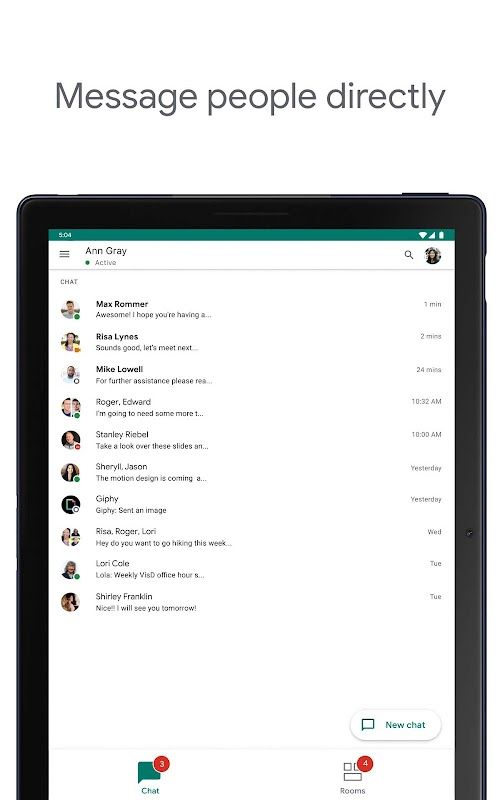
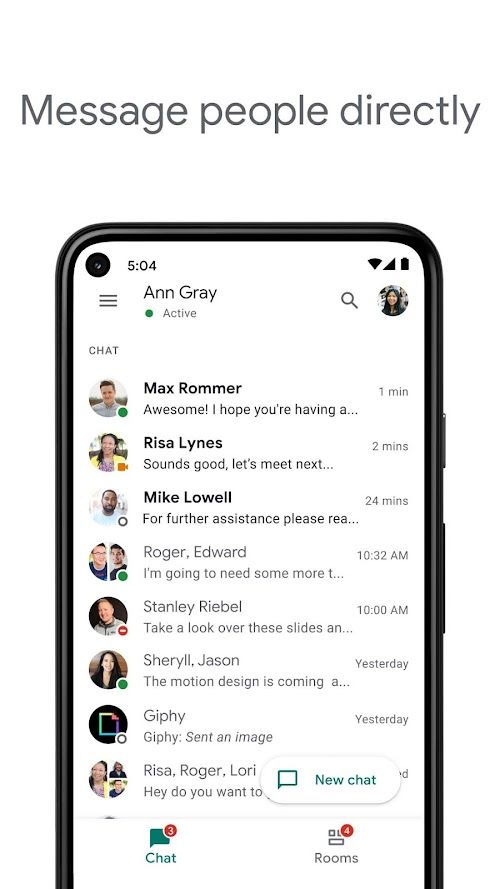
 Google Chat allows users to have one-on-one conversations with their contacts in real time.
Create designated chat rooms for groups of up to 8000 participants to target communication effectively and efficiently amongst team members.
Google Chat supports threaded conversations, letting users reply directly to a specific message, which keeps the conversations organized and easy to follow.
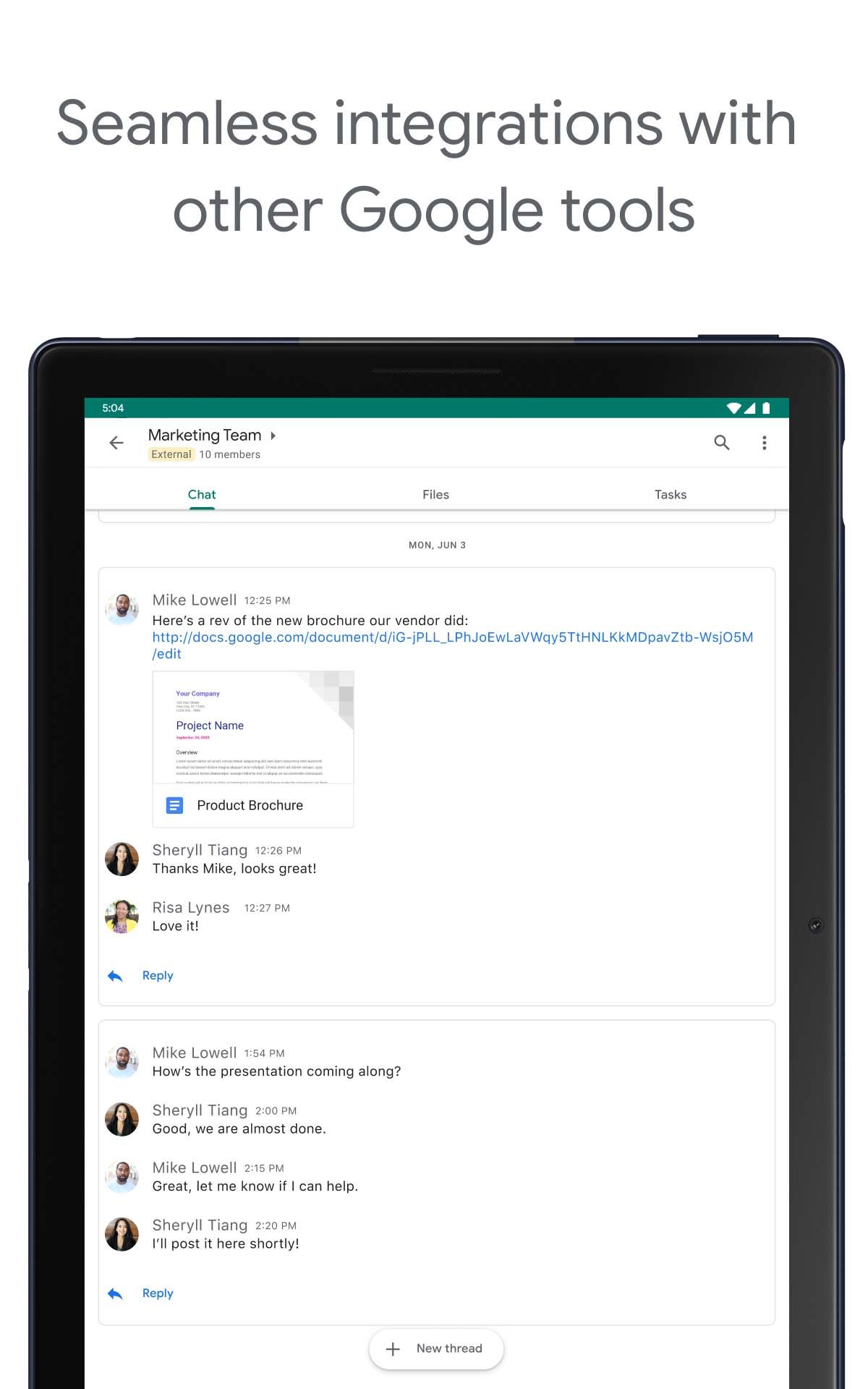
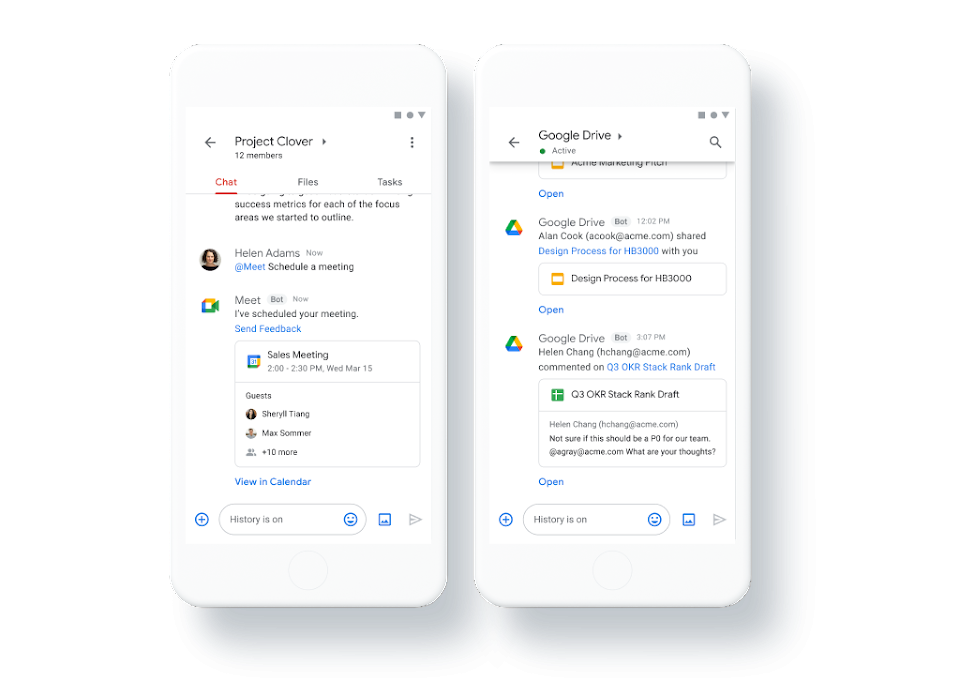
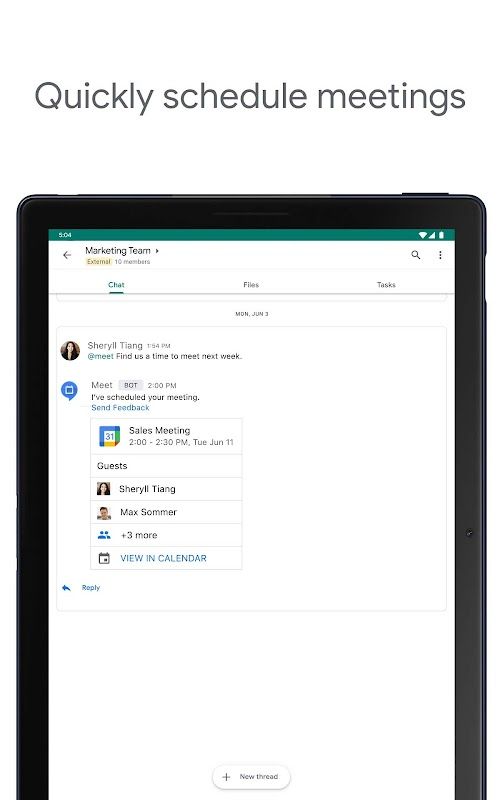
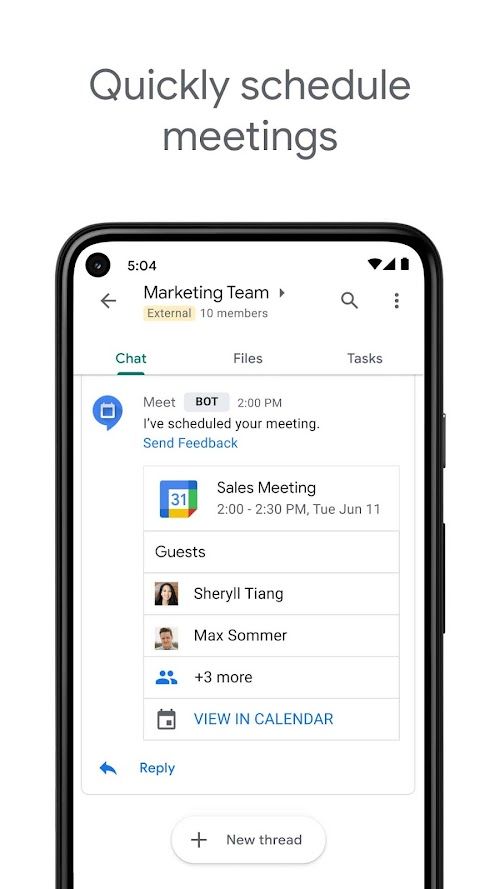
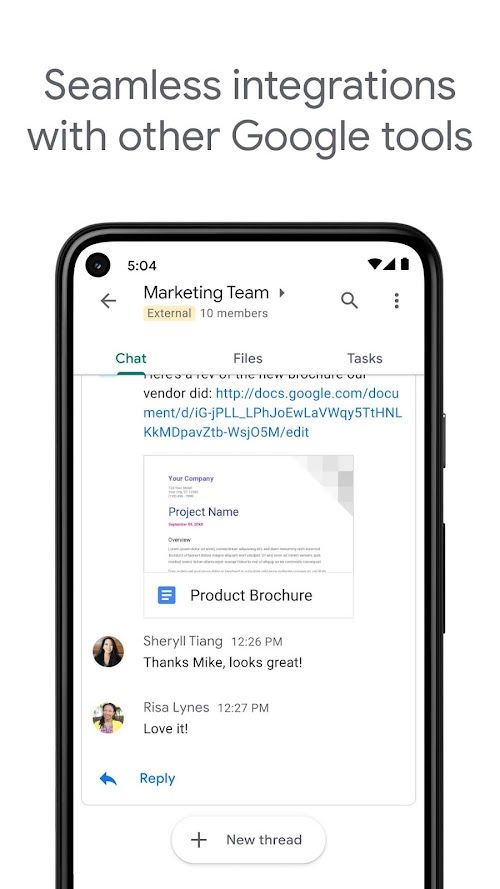
As part of the Google Workspace, Google Chat integrates seamlessly with other tools like Gmail, Google Calendar, and Google Drive to support effective collaboration.
Google Chat is available on desktop devices and mobile devices through the Android and iOS apps, ensuring users have access to their messages wherever they are.
Google Chat allows users to have one-on-one conversations with their contacts in real time.
Create designated chat rooms for groups of up to 8000 participants to target communication effectively and efficiently amongst team members.
Google Chat supports threaded conversations, letting users reply directly to a specific message, which keeps the conversations organized and easy to follow.
As part of the Google Workspace, Google Chat integrates seamlessly with other tools like Gmail, Google Calendar, and Google Drive to support effective collaboration.
Google Chat is available on desktop devices and mobile devices through the Android and iOS apps, ensuring users have access to their messages wherever they are.
Advantage
 Google Chat’s strength lies in its seamless integration with other tools within the Google Workspace ecosystem. This integration allows users to access Google tools without leaving the chat, resulting in smooth and efficient collaboration.
With a chat room capacity of up to 8000 participants, Google Chat meets the needs of large organizations and provides ample space for teams to communicate easily.
Google Chat’s intuitive design, similar to popular messaging apps, makes it easy for users to navigate and operate the platform.
Google Chat’s strength lies in its seamless integration with other tools within the Google Workspace ecosystem. This integration allows users to access Google tools without leaving the chat, resulting in smooth and efficient collaboration.
With a chat room capacity of up to 8000 participants, Google Chat meets the needs of large organizations and provides ample space for teams to communicate easily.
Google Chat’s intuitive design, similar to popular messaging apps, makes it easy for users to navigate and operate the platform.
Shortcoming
 Compared to some other chat applications, Google Chat’s customization options are somewhat limited. Users have minimal control over themes, colors, and notification settings, which may be a drawback for those seeking a more personalized experience.
Although the interface is user-friendly, new users may need some time to familiarize themselves with Google Chat’s features and navigation, particularly if they are transitioning from other messaging platforms.
Google Chat’s reliance on the Google Workspace ecosystem is a double-edged sword, as non-Google Workspace users may find it challenging to adopt the platform.
Compared to some other chat applications, Google Chat’s customization options are somewhat limited. Users have minimal control over themes, colors, and notification settings, which may be a drawback for those seeking a more personalized experience.
Although the interface is user-friendly, new users may need some time to familiarize themselves with Google Chat’s features and navigation, particularly if they are transitioning from other messaging platforms.
Google Chat’s reliance on the Google Workspace ecosystem is a double-edged sword, as non-Google Workspace users may find it challenging to adopt the platform.
 Scanned by
Virus Total
Scanned by
Virus Total
Ratings
-
5

-
4
-
3
-
2
-
1
Disclaimer
 APKBBS does not directly participate in application distribution and does not hold shares of
application developers directly.
We provide images and links included in Google Play and App Store to help our users find the best
applications and games. All merchant trademarks and logos displayed on the website are the property of
their respective owners. The website is not affiliated with or associated with any of them.
APKBBS complies with the Federal Digital Millennium Copyright Act (DMCA) by responding to suspected
infringement notices that comply with DMCA and other applicable laws.
Every APK file that may be downloaded from APKBBS.com is also secure.
APKBBS does not directly participate in application distribution and does not hold shares of
application developers directly.
We provide images and links included in Google Play and App Store to help our users find the best
applications and games. All merchant trademarks and logos displayed on the website are the property of
their respective owners. The website is not affiliated with or associated with any of them.
APKBBS complies with the Federal Digital Millennium Copyright Act (DMCA) by responding to suspected
infringement notices that comply with DMCA and other applicable laws.
Every APK file that may be downloaded from APKBBS.com is also secure.
Hot Apps
 4.4
4.4
 4.3
4.3
 4.2
4.2
 4.5
4.5
 4.3
4.3
 4.5
4.5
 4.8
4.8
 4.5
4.5
 4.5
4.5
 4
4
 4.1
4.1
 4.3
4.3

Amazon Alexa
Duolingo: language lessons

Geeni
Nextdoor: Neighborhood network

Police Scanner - Scanner Radio

Shazam

SiriusXM: Music, Sports & News
TextNow: Call + Text Unlimited

Yuka - Scan de produits
WhatsApp Messenger
Google Chat

OfferUp: Buy. Sell. Letgo.

Fitbit
Tubi TV

Afterpay - Buy Now. Pay Later

Wyze - Make Your Home Smarter

SHEIN-Shopping Online
Signal

MyChart